

How to check if you are listed in Abuse.ro RBL?
- Let’s suppose that your IP address is 10.11.12.13
- This is how you verify if you are using Windows
- Open a command prompt window & type: nslookup 13.12.11.10.rbl.abuse.ro (note the reverse order of numbers in the IP format in front of “rbl.abuse.ro”)
- As the official website doesn’t provide a way to check, we suggest using third‑party tools such as MXToolbox to check if your IP or domain is blacklisted
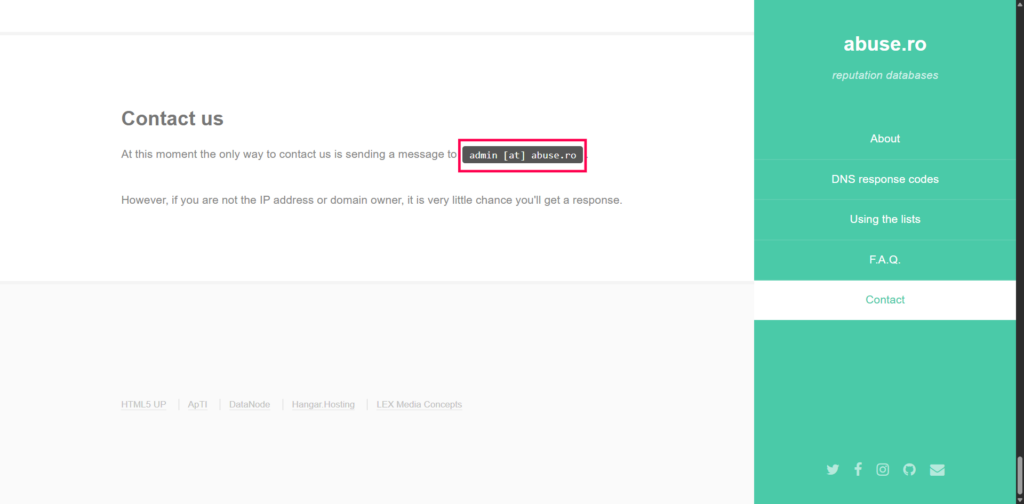
How to remove a Domain/IP address from Abuse.ch Combined?
- If your IP/Domain is blacklisted.
- Write an email to admin@abuse.ro with the subject line: “Delist IP: 10.11.12.13”
- Provide details of the issue & politely request delisting
- To delist a domain, the request must be sent from the postmaster address (e.g., postmaster@domain.tld) and include evidence that the spam flow has been stopped.
- Send the delisting request and wait for confirmation


