

How to check if you are listed in Leadmon SpamGuard?
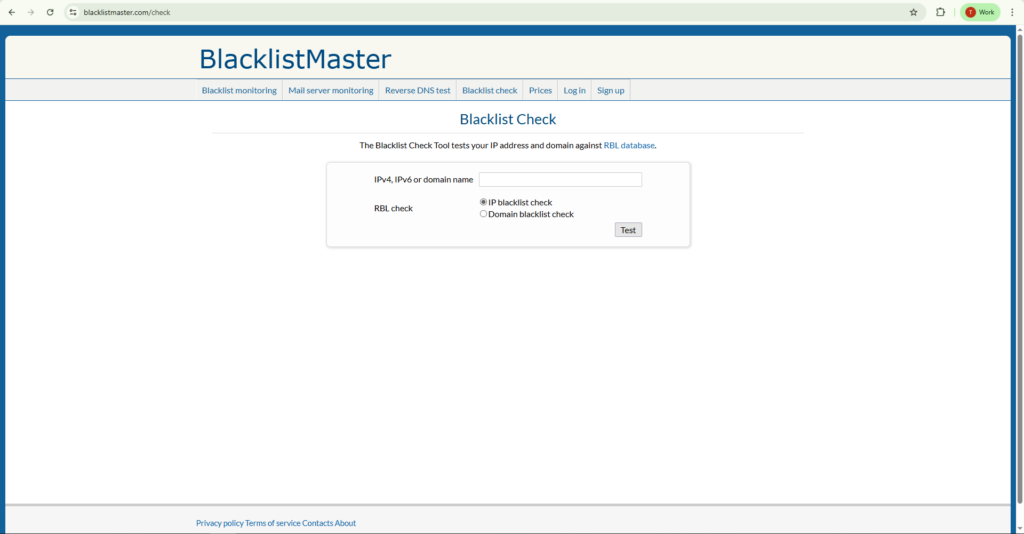
- Please visit https://www.blacklistmaster.com/check
- Enter your IP address or domain name
- Tick the checkbox and click test.
How to remove a Domain/IP address from Leadmon SpamGuard?
- Once you know your IP/Domain is listed
- Send an email to the official removal address at SpamGuard@leadmon.net
- Include the blacklisted IP address
- Provide a brief explanation of the actions you have taken to resolve the issue, & make a polite request for removal


