


How to check if you are listed in McAfee TrustedSource Blacklist?
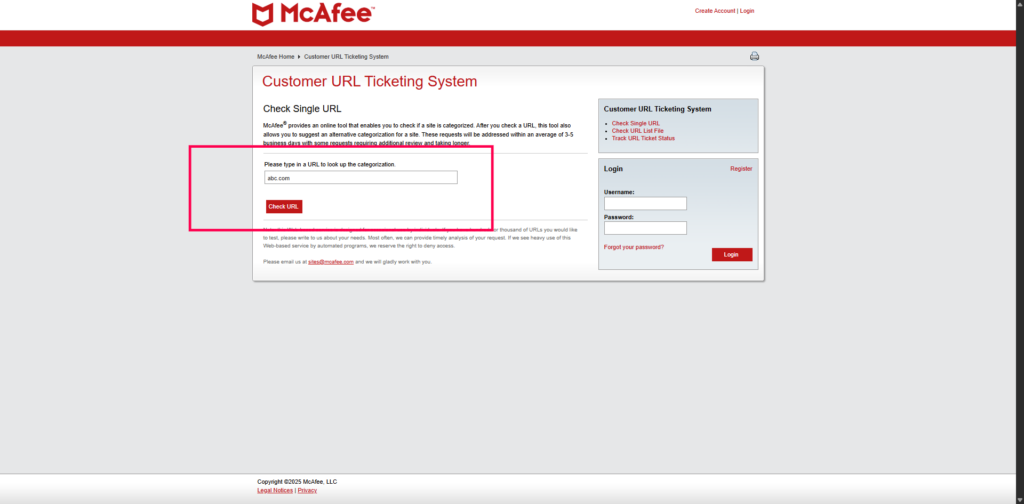
- Please visit: https://sitelookup.mcafee.com/en/feedback/url?action=checksingle&sid=A95CD078835C2C5A3016E808F8CF13BB
- Enter your Domain/IP to check if you are listed
How to remove a Domain/IP address from McAfee TrustedSource blacklist?
- Please visit: https://sitelookup.mcafee.com/en/feedback/url?action=checksingle&sid=A95CD078835C2C5A3016E808F8CF13BB
- Enter your Blacklisted Domain/IP.
- You will see the “Request Delist” form.
- Provide a detailed, honest explanation of the problem and the steps you’ve taken to resolve it.
- Submit the request.


