
Buying cold email inboxes is one of those tasks that looks deceptively simple, until you’ve spent $300 on mailboxes that burn within 30 days, watched your reply rates crater, and started the whole cycle over. The market for cold email inboxes is full of low-quality providers selling warmed-but-not-really accounts that fail fast.
This post is a practical breakdown of the legitimate providers in the space as of 2026: what they offer, where they’re worth the money, and the technical considerations that actually matter when evaluating them.
What You’re Actually Buying (And Why It’s More Complex Than It Sounds)
Before getting to the list, it’s worth clarifying what “buying inboxes” means in this context and why provider quality varies so widely.
A cold email inbox is a mailbox hosted on either Google Workspace, Microsoft 365, or a third-party SMTP provider. This mailbox is configured on a subdomain of your root domain and has been through a warmup process to build sender reputation before live sending begins.
The three main inbox types you’ll encounter:
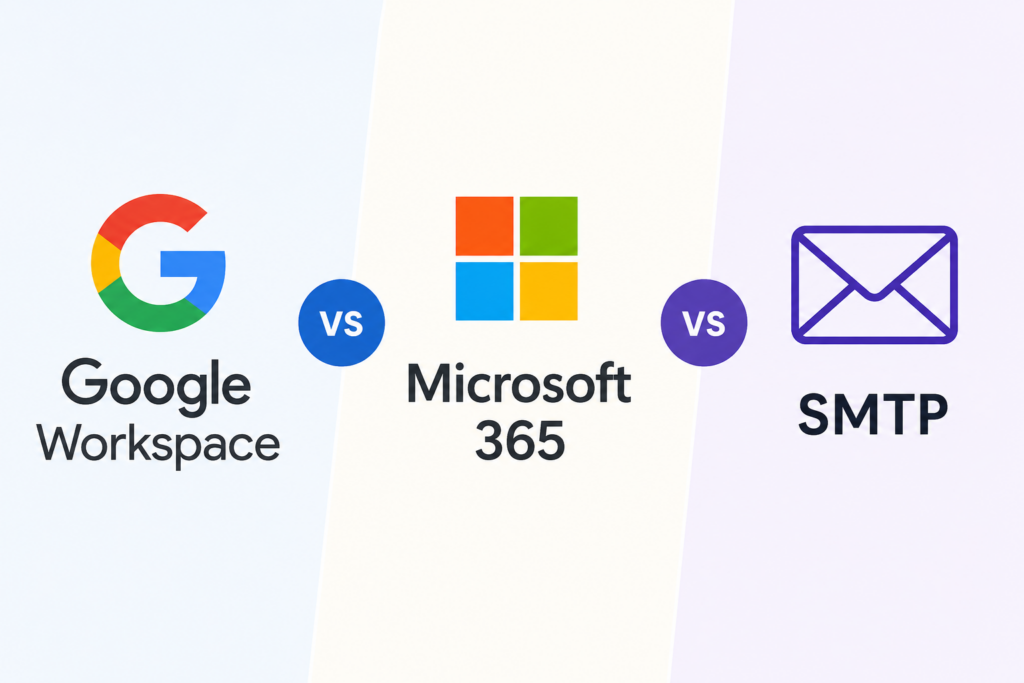
Google Workspace (legacy Google Apps) — High sender reputation, inbox placement near 95%+ on Gmail recipients. Google has tightened enforcement against cold outreach at scale, so ToS risk exists. Third-party providers who sell Google inboxes are operating in a gray area.
Microsoft 365 — Strong deliverability, especially for enterprise prospects (who often use Outlook). Microsoft’s bulk sender enforcement as of May 2025 means misconfigured M365 accounts bounce more than they used to but correctly warmed M365 inboxes still perform very well.
SMTP / Third-party hosted — Cheapest option, but sender reputation varies significantly by provider. These inboxes are hosted on shared infrastructure, so your deliverability is partially tied to how well the provider manages overall reputation. Per-mailbox pricing is typically $1–2/month vs $3–5 for Google/Outlook.
Only 45% of the pre-warmed inbox market sells accounts that will actually last more than 60 days. The other 55% are selling inboxes that have been artificially inflated through low-quality warmup networks and will fail quickly under real send volume. Legitimate pre-warmed inboxes cost $4–8/month. Anything significantly cheaper should be scrutinized carefully.
The 7 Best Websites to Buy Cold Email Inboxes in 2026
1. Deliveryman AI — Best for Fully Automated Infrastructure

Type: Automated infrastructure (subdomains + mailboxes + DNS)
Pricing: Managed infrastructure pricing (not per-inbox)
Deliveryman.ai takes a different approach from standard inbox providers. Rather than selling you pre-provisioned mailboxes, it automates the entire infrastructure stack from your own domain. You connect a root domain, and Deliveryman AI handles subdomain creation, DNS configuration (SPF, DKIM, DMARC, MX), mailbox provisioning, warmup, inbox rotation, blacklist monitoring, and reply routing.
This matters if you want to own your infrastructure rather than rent it. Inboxes provisioned under your own domain build reputation that belongs to you, not to a shared pool controlled by a third-party provider. You’re also not dependent on a provider’s relationship with Google or Microsoft.
Best for: Teams running at scale who want owned infrastructure rather than rented mailboxes. Technical founders and operators who want control over the full stack.
What to know: This is a managed platform, not a mailbox marketplace. If you just need 10 inboxes quickly, other options on this list are faster to start. If you’re building a durable outbound operation, the infrastructure model is worth the setup.
2. Litemail — Best Pre-Warmed Microsoft 365 Inboxes

Type: Pre-warmed Microsoft 365
Pricing: ~$4.99/inbox/month, no minimums
Litemail focuses specifically on Microsoft 365 inboxes and does it well. They provide 14–21 days of documented warmup history, full admin access to the mailboxes, and automated DNS setup. Inbox placement rates are consistently around 94%, which is strong for M365.
The key differentiator is the documentation: Litemail publishes warmup history for the inboxes they sell, which lets you actually verify that the warmup was legitimate rather than taking their word for it. This matters because the quality of warmup is nearly impossible to audit after the fact once you start sending.
Best for: Teams who want Microsoft 365 specifically (better enterprise inbox placement) and care about verifiable warmup quality.
What to know: Higher price point than SMTP alternatives, but the M365 infrastructure and documented warmup justify it. No minimum order is useful for smaller operations.
3. Mailscale — Best for High-Volume Agency Use

Type: Pre-warmed Google and Outlook inboxes at scale
Pricing: Volume-based, designed for large-scale operations
Mailscale is built for teams that need to spin up hundreds of inboxes quickly. Their positioning is around agencies and enterprise teams running high-volume outbound. You can provision 50, 500, or 1,000+ mailboxes, pre-warmed and ready to go. Inbox placement performance sits above 90%, which is solid for this volume tier.
Built-in warmup is included in base plans, which removes the need for a separate warmup tool. Performance monitoring is included, so you get visibility into how individual inboxes are performing without having to set up your own monitoring.
Best for: Agencies managing outbound for multiple clients, or any operation that needs to provision inboxes at genuine scale quickly.
What to know: Mailscale is optimized for volume; if you need 5–10 inboxes, you’re not their target customer and will likely find better value elsewhere.
4. Puzzle Inbox — Best Two-Tier Pricing (Google + Outlook)
Type: Pre-warmed Google Workspace and Microsoft 365
Pricing: ~$4.50/inbox (Google), ~$0.50/inbox (Outlook)
Puzzle Inbox offers both Google and Outlook inboxes at meaningfully different price points, which gives you flexibility to mix infrastructure based on your target audience. Their $0.50/inbox Outlook option is one of the lowest prices in the market for any pre-warmed M365 mailbox. Though at that price you should scrutinize warmup quality carefully.
The Google inboxes at $4.50 are competitively priced and come pre-warmed. Overall the dual-provider model is useful if you want to segment your outbound by inbox type based on who you’re targeting.
Best for: Teams that want to A/B test Google vs. Outlook inboxes on the same campaigns, or who want to run mixed infrastructure without managing two separate providers.
What to know: At $0.50 for Outlook inboxes, the warmup quality is worth verifying before scaling. Ask for warmup logs or test at small volume first.
5. Saleshandy — Best Full-Stack Infrastructure Bundle

Type: Full cold email infrastructure (domains + mailboxes + warmup + sending)
Pricing: Bundled SaaS pricing
Saleshandy is less of a pure inbox provider and more of a full cold email platform that handles infrastructure as part of the bundle. You get domains, mailboxes, dedicated US IPs, DNS setup, and warmup all in one place — plus a sending interface. If you want a single platform that handles everything end-to-end (including the actual sending and sequence management), Saleshandy is worth evaluating.
The tradeoff is flexibility: you’re buying into their ecosystem, which means you’re also using their sending interface. If you have a preferred outreach tool and just need inboxes to plug in elsewhere, this is less ideal.
Best for: Teams who want a single platform for the full stack and don’t need to integrate with a separate sending tool.
What to know: Strong for all-in-one simplicity; less ideal if you need raw inboxes to plug into Instantly, Smartlead, or another preferred sending platform.
6. Primeforge — Best for Pre-Warmed M365 at Scale

Type: Pre-warmed Microsoft 365
Pricing: $4.50/mailbox/month ($3.50 with annual billing)
Primeforge focuses exclusively on Microsoft 365 mailboxes with a strong emphasis on warmup quality and deliverability. They target agencies and growth teams running outbound at meaningful volume on Outlook infrastructure.
Annual billing brings the per-mailbox cost down to around $3.50, which makes larger deployments more economical. The M365-only focus means their warmup processes and deliverability optimization are all tuned for that infrastructure rather than spread across multiple inbox types.
Best for: Teams committed to Microsoft 365 infrastructure running at 50+ mailboxes where annual pricing makes sense economically.
What to know: Pure M365 play. If you want Google inboxes, look elsewhere.
7. Maildoso — Best Budget SMTP Option

Type: SMTP-hosted mailboxes
Pricing: ~$1.80–$1.90/mailbox/month
Maildoso sits at the budget end of the market: SMTP-hosted mailboxes at roughly $1.80–$1.90/month. You’re giving up Google/Microsoft inbox placement advantages for a significantly lower cost per mailbox.
For high-volume operations where economics matter more than squeezing every point of inbox placement, SMTP-hosted inboxes at this price point can make sense especially when combined with good rotation and monitoring practices. The key is understanding what you’re giving up: SMTP inboxes generally have lower reputation floors than Workspace/365 inboxes and require more active management to maintain deliverability.
Best for: Cost-sensitive operations running at high volume where the math on $1.90 vs $4.50 per mailbox is meaningful at scale.
What to know: SMTP deliverability requires more active management. Don’t run these inboxes without blacklist monitoring and bounce rate tracking in place.
What to Look For When Evaluating Any Provider
Regardless of which provider you use, a few things are worth auditing before committing at scale:
Warmup verification. Ask for warmup logs or engagement history. Legitimate providers can show you that warmup actually happened. Vanity warmup (automated opens with no real engagement) builds artificial reputation that collapses under real send volume.
DNS configuration. Before sending any email, verify that SPF, DKIM, and DMARC are correctly configured on every inbox you provision. Use tools like MXToolbox or Google’s Admin Toolbox to confirm. Misconfigured DNS is the single most common cause of immediate deliverability failure.
Shared vs. dedicated infrastructure. SMTP providers operate on shared IP pools. Your reputation is partially tied to other senders on the same infrastructure. Ask about IP reputation management and how the provider handles shared pool hygiene.
Blacklist monitoring. Any provider worth using should be actively monitoring inboxes for blacklist hits and notifying you proactively. If monitoring isn’t included, budget for a dedicated monitoring tool.
Reply routing. If you’re running inboxes across multiple domains and mailboxes, you need a way to route all replies to a central inbox or CRM. Some providers include this; others don’t. Understand what you’re getting.
The best inbox provider depends on your scale, your target audience, and how much you want to own vs. rent your infrastructure.
For owned, durable infrastructure at scale: Deliveryman.ai.
For verified pre-warmed M365 inboxes: Litemail or Primeforge.
For high-volume agency deployments: Mailscale.
For budget-conscious SMTP at scale: Maildoso.
For all-in-one simplicity: Saleshandy.
Whatever you choose: verify warmup quality, audit DNS configuration before sending, and monitor bounce rates and blacklists actively. The infrastructure decisions you make before your first send determine whether your outbound operation is sustainable or disposable.
Deliveryman.ai automates the full cold email infrastructure stack with subdomain creation, DNS configuration, mailbox provisioning, warmup, rotation, email list verification and blacklist monitoring from your own domain, without Google Workspace.